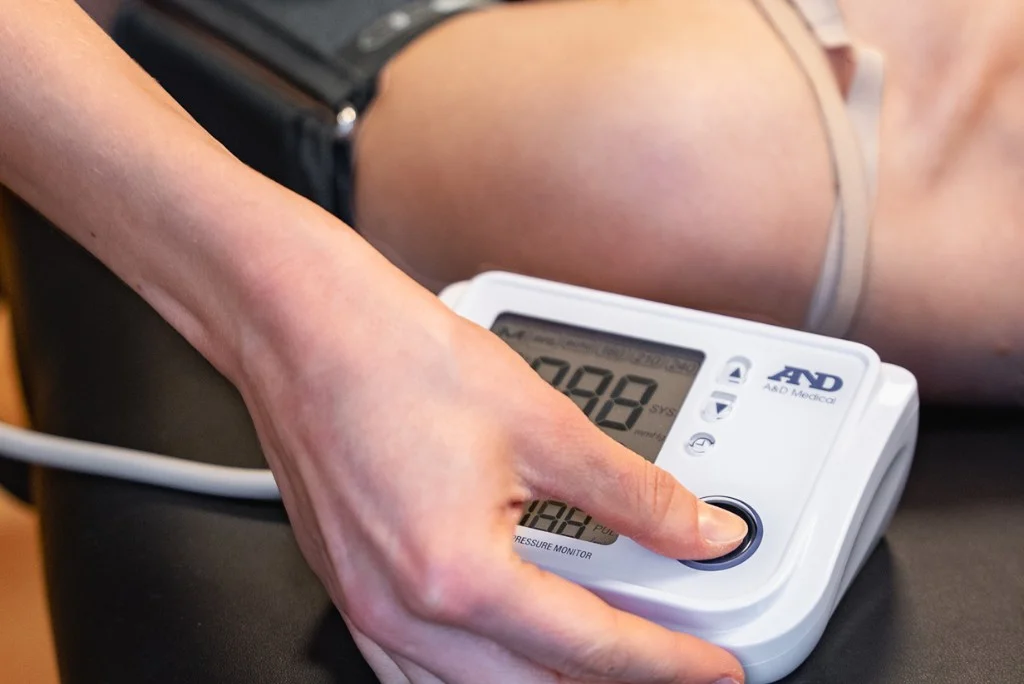
In your email, look for the message with the subject line “Health Screening/HealthCheck” from no-reply@digihealth.dk and click on the link. There, you’ll be able to book an appointment and complete the health screening.
This applies only if you have been provided with a self-registration link. Fill in your information and be sure to select the correct department, if applicable. When you log in, you must first enter your own password and then enter the one-time code that was sent to you.
Go todigihealth.dkand log in with your credentials. If you can’t remember your password, click “Skift adgangskode/Change password” and create a new one. Remember to activate your new password via email. When you log in, you’ll be asked for a one-time code, which will also be sent to your email.
Log in with your credentials at digihealth.dk and click “Booking.” Under “My Reservations,” you can cancel your appointment. If your appointment is less than 24 hours away, you cannot cancel it. In that case, please send us an email atinfo@healthgroup.dkor call us at7020 1626.
Log in to digihealth.dk and click “Booking.” Under “My Reservations,” you can cancel your appointment. Then go to “Book a New Appointment” to select a new time. To return to the home page, click the icon with the squares:

If you work for a company with multiple departments, this may be because you are assigned to a different department. Please send us an email letting us know which site you belong to, and we will help you gain access.
Although not all of our healthcare services require the storage of personal health data, we use one-time codes as a general security measure for all users. This is because all services are managed through the same system. The one-time code protects access to your profile and ensures that only you can log in—regardless of the type of service you use. The code is sent to your email and is used after you enter your personal code.
Once you've booked an appointment, you'll receive a confirmation email. Check your spam or junk mail folder if you can't find it. You can always log in to digihealth.dk and view your bookings under Booking –> My Reservations.
The services available to you depend on the agreement your employer has with Health Group. If you believe something is missing, please contact us atinfo@healthgroup.dkwith information about your employer.
The services available to you depend on the agreement your employer has with Health Group. If you think something is missing, please contact us at info@healthgroup.dk with information about your employer.
The easiest way is to use the QR code from your gym.
The QR code will take you directly to the app download page and automatically connect you to the right gym.
 You'll typically find the QR code in the fitness area or wherever information about workouts is posted—for example, on your intranet, a poster, or a bulletin board.
Open the app and log in –> Go to the menu and select “Join a gym” –> Enter the code or scan the QR code you received from your gym.
Check that you have an internet connection and make sure you're using the latest version of the app. Alternatively, you can try restarting the app.
If it still doesn't work, please contact us atinfo@healthgroup.dk and send a screenshot of the issue.
If you have any questions about the payment process, please feel free to email us atinfo@healthgroup.dk.